Putting a Custom ROM on a Samsung Fascinate
2018-06-30
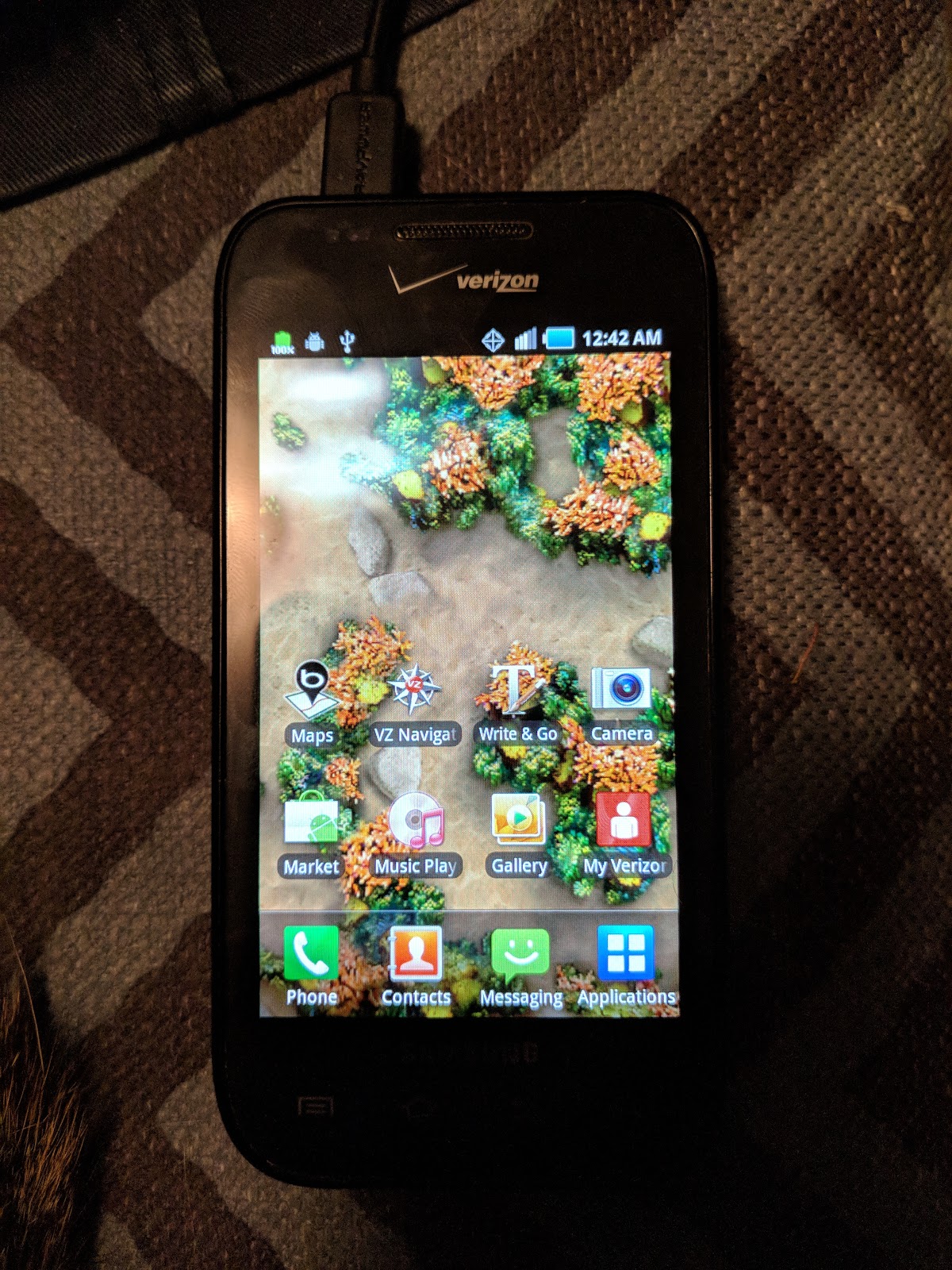
Present Day Note: I wrote this on my old blog on June 30, 2018. The opinions, data, and methodologies reflected here are not necessarily relevant today.
Old Android phones are really neat. They still have a decent amount of computing power and a multitude of neat hardware (sensors, cameras, WiFi connectivity and Bluetooth all in one). But with so much bloatware and carrier restriction, these devices are almost useless. A great way to get around this is to put an entirely new Android ROM onto the device. Here is how I rooted the Verizon edition Samsung Fascinate (Galaxy S SCH-I500) so you can do it too. I probably made it harder than it needs to be.
I picked up a Samsung Fascinate (SCH-I500) from a thrift shop. It was wiped but it came with an SD card that had not been wiped. Wipe your storage mediums, people!
When this phone starts up, it requires an activation on Verizon's network. You can temporarily get by this by dialing *#TESTMODE at the emergency dialing pad. But this resets when you reboot, so this won't do. Maybe we can get rid of this through some kind of root mechanism?
Good idea. I looked high and low for a Custom ROM for this phone, and I found a CyanogenMod 10.1 build for it. Things were looking promising. Since CyanogenMod has been defunct for a while, I found that the nightly builds were hosted at the Internet Archive. Search for "fascinate" and it will highlight the one and only zip file you need. So that's what we're going to use. Copy that file over to the SD card and then boot the phone into recovery mode, and install from SD card, right?
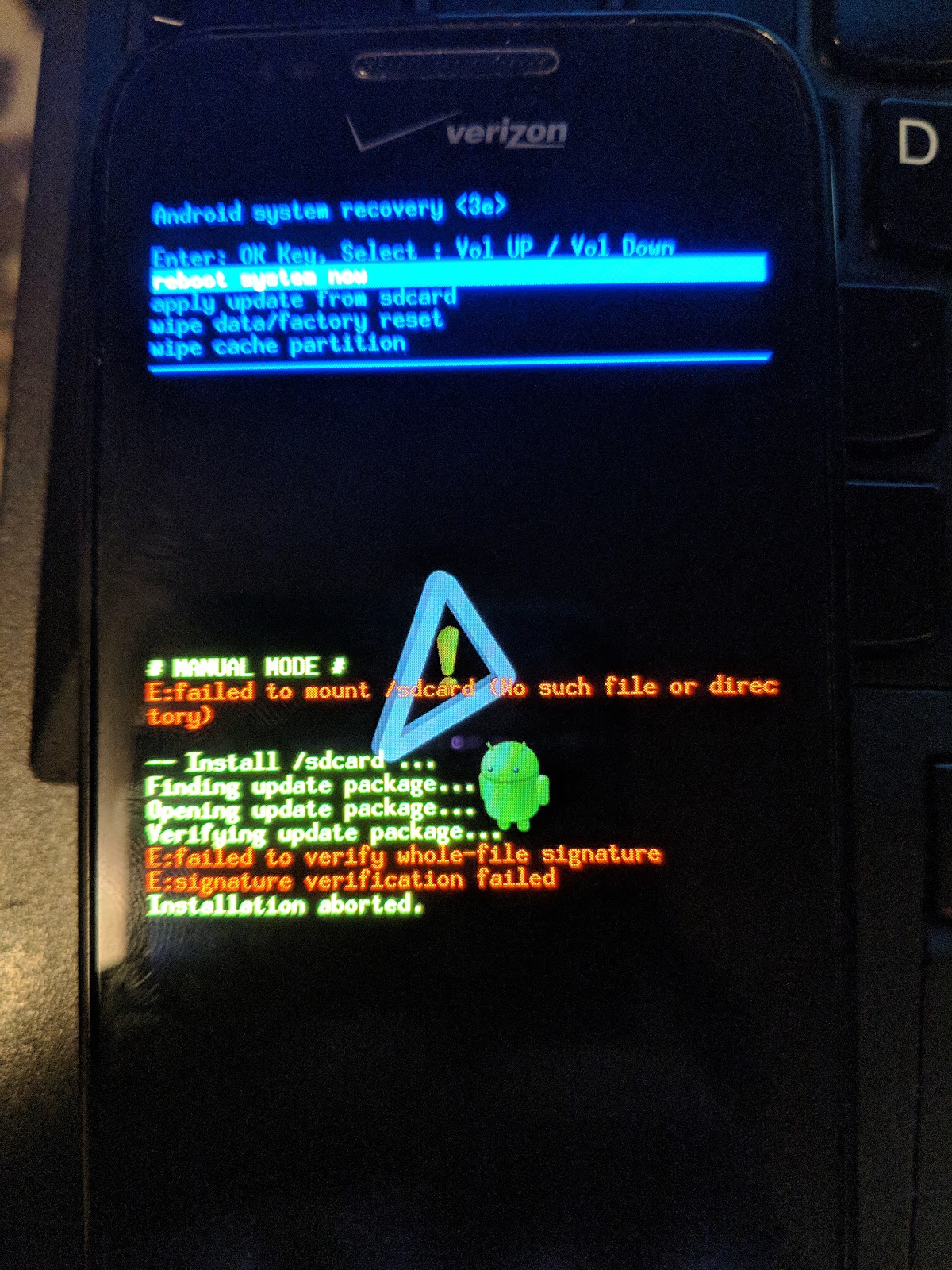
Wrong. We can't install a Custom ROM without first installing a custom recovery software. I'll go with ClockworkMod because it was the first one I found. I tried flashing it directly but that didn't go very well.
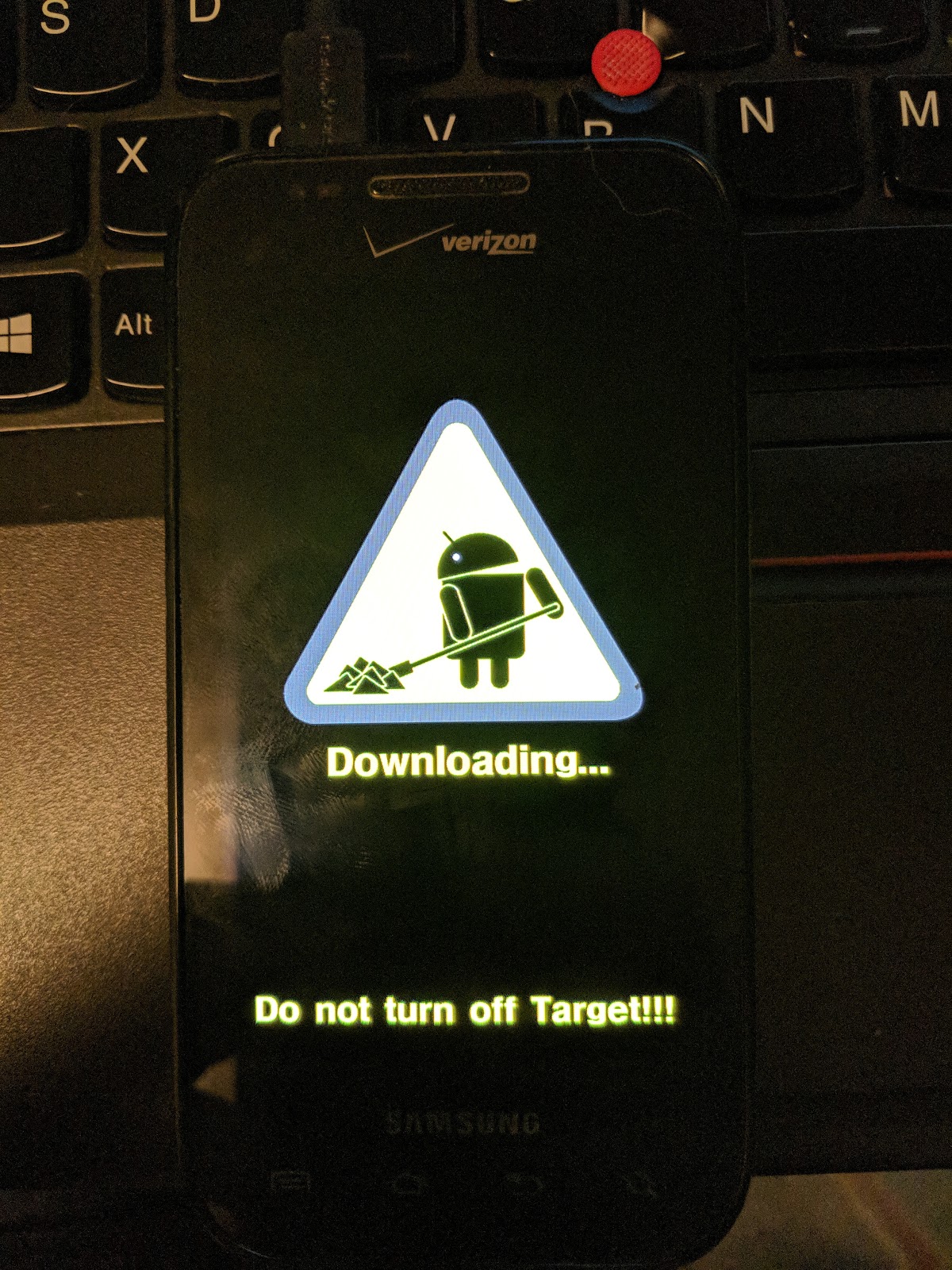
I'm going to omit a lot of details here because this got very hairy very quickly. I could not get my phone into FASTBOOT Mode, so I decided to compile and use Heimdall and flash recovery myself. I think for Samsung phones this is standard practice, but this is the first I'm hearing of it. This involves putting the phone into Download mode (take out the battery, hold volume down, and plug the phone in). This turned out to be stupid, because I bricked my phone many times over.
To fix this, I searched the internet high and low for the original firmware. This was not easy to find, but I did finally find it as an ODIN package. I converted the stock ROM to a Heimdall package and I'm hosting it here so it's available for anybody who needs it. Credit where credit is due, here's the inactive XDA-Developer's post that it originally came from (the link in the forum is dead, but this is the guy to give credit to, I just repackaged it). It's a compressed tar file, so you can pull out the parts you need, but I suggest just putting the whole package into Heimdall.
Finally, I found a recovery kernel image that would work: it's a red version of ClockworkMod that has the "voodoo lag" patch. I've bundled this into a Heimdall package here so you can do this easily. Again, the kernel and the rest of it are stock.
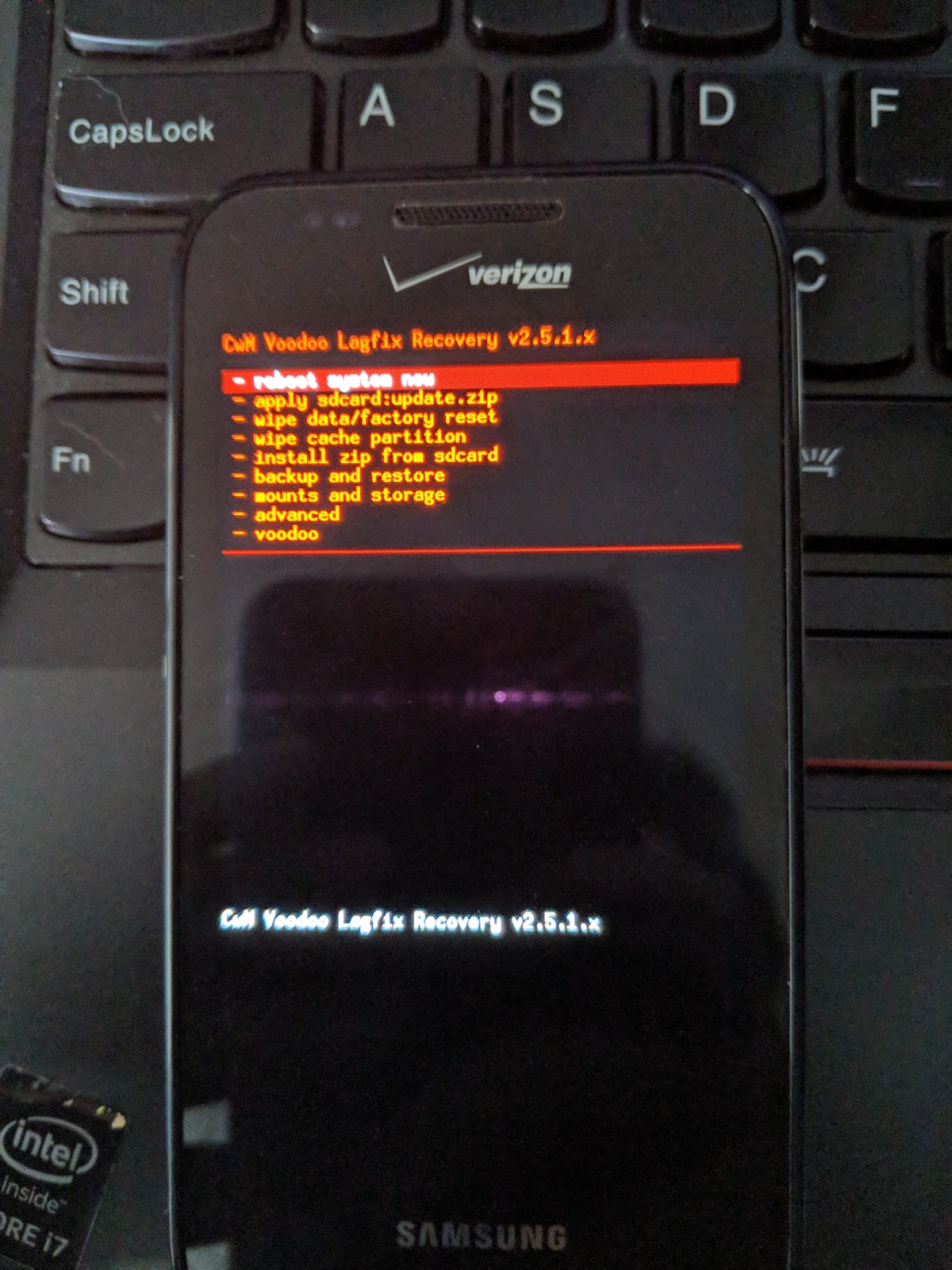
At this point, I was able to install SuperClean. CyanogenMod kept complaining that it wasn't the right phone to be installed on, but SuperClean installed with no problem by installing from a zip file on the SD card.
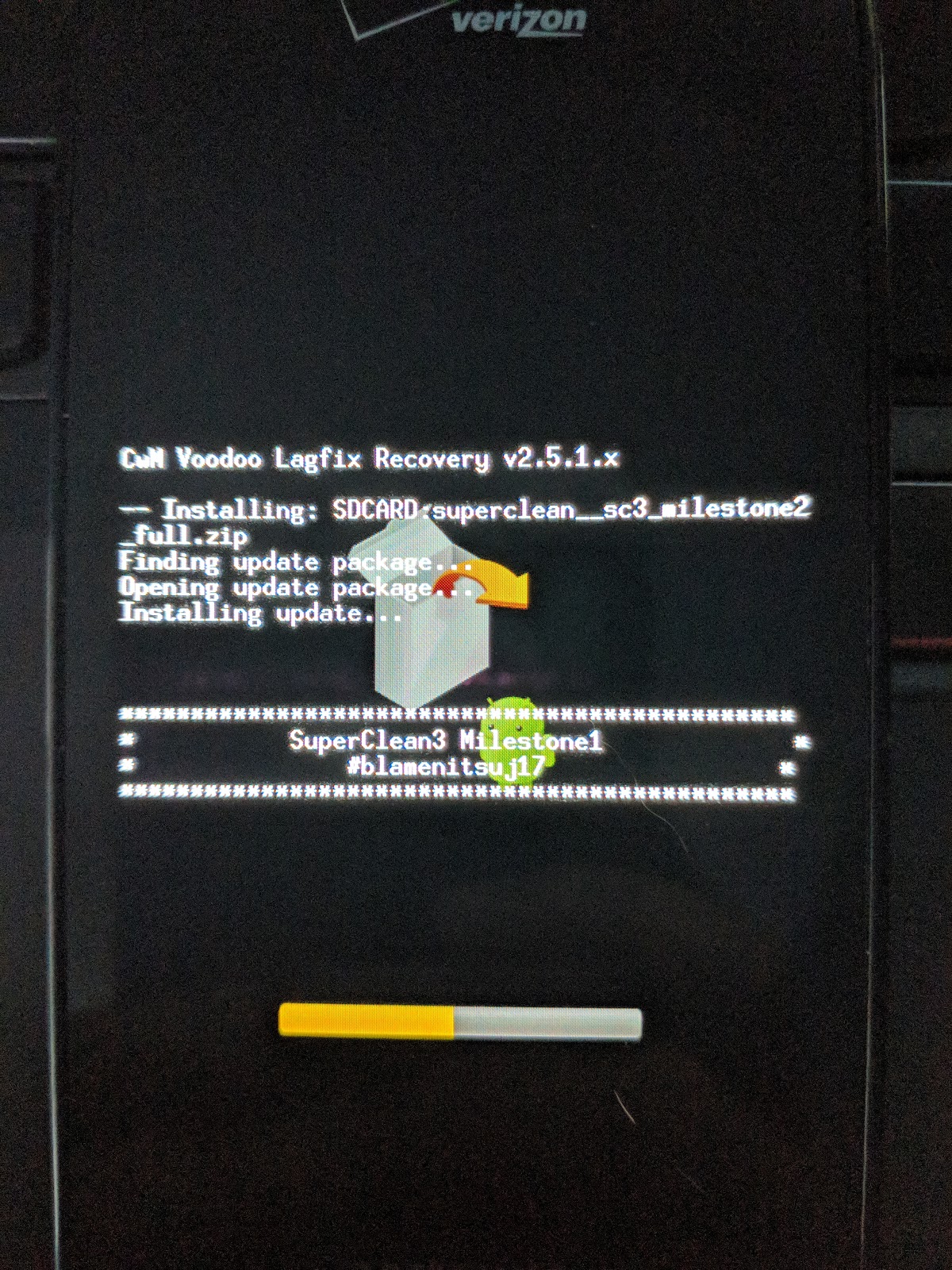
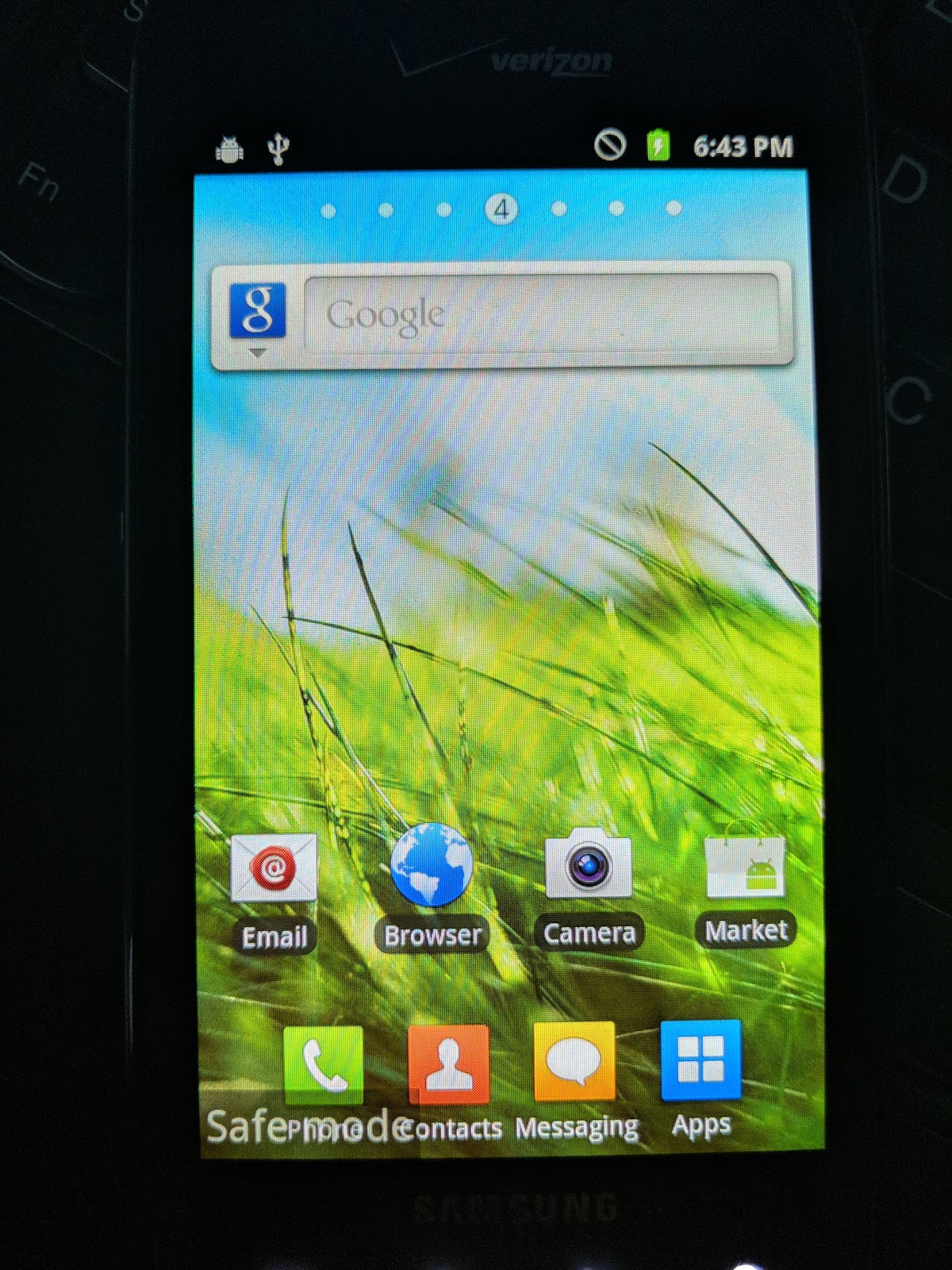
SuperClean is a very nice ROM. It looks clean and it's fast. I also have root, so now I can start uninstalling Verizon and Samsung bloatware at my discretion. However, I couldn't do that through all of the settings app. I don't know if this is a good way to do it, but I remounted the system partition as read-write and started deleting APKs from the app directory. After a reboot, it seemed to be fine. I also disabled com.sec.android.app.setupwizard using pm in a root shell so that I wouldn't get the setup and activation screen anymore. To remount the system partition on older software like Gingerbread Android, the command to run in a root shell is:
mount -o remount,rw /system /system
And then you can just start removing the apps you don't want or need (as far as I can tell). You should not use Titanium Backup's Force Remove because it seems to revert the phone back to stock recovery and brick it.
So now I have root on this phone and a Custom ROM on it. While that was technically my goal, I'm still a little confused as to why CyanogenMod didn't install. Maybe I had the wrong kernel installed? Regardless, I got what I wanted here. The phone is fast, free of bloat, and rooted. Everything seems to work fairly well. I hope this helps someone, I realize this is a very old phone and a very old version of Android, but the best way to recycle old electronics is to make them worth something again. And they're really only worth something if they're fast and flexible.
I scattered links to the downloads I host in here and, as they're the most important, I'll list them out here. Again, most of this is just stuff I'm mirroring and repackaging because it was hard to find and tricky to do. I'm sick and tired of upload hosts going down, so I'm just putting them here for posterity and for anybody who wants to use them. I think I'll do that from now on. If you own some of this software and want me to take it down, just let me know. But I think at this point it's abandoned and nobody really cares.
Downloads
- Stock EH03 ROM for Verizon Samsung Fascinate (SCH-I500)
- Stock EH03 ROM with ClockworkMod installed (SCH-I500)
- SuperClean ROM I used (also found on XDA with a broken link)
- Just a text dump of how the partitions were originally laid out
Enjoy your faster (but still very very old) Samsung Fascinate!